Create a location
Your location is where you can set the information that displays on your menu homepage and configure the design.
Location details
Section titled “Location details”- Name - This is the name of your business.
- Menu URL - The menu URL is how your customers will access your menu and will be the link that any QR codes you create will link to. Since this is a URL, it will only accept letters and numbers. You can change this later but you will have to re-create any QR codes or update any links that you have shared so it’s best to not to change it once you’ve started using OrderBoard.
- Address - You can enter your physical address location. This field isn’t mandatory so it’s optional if you want to add this information to your menu. If you do, then it will display just below your business name on your homepage.
- Social media - In this section you can enter all your social media links. These links appear under the site menu:
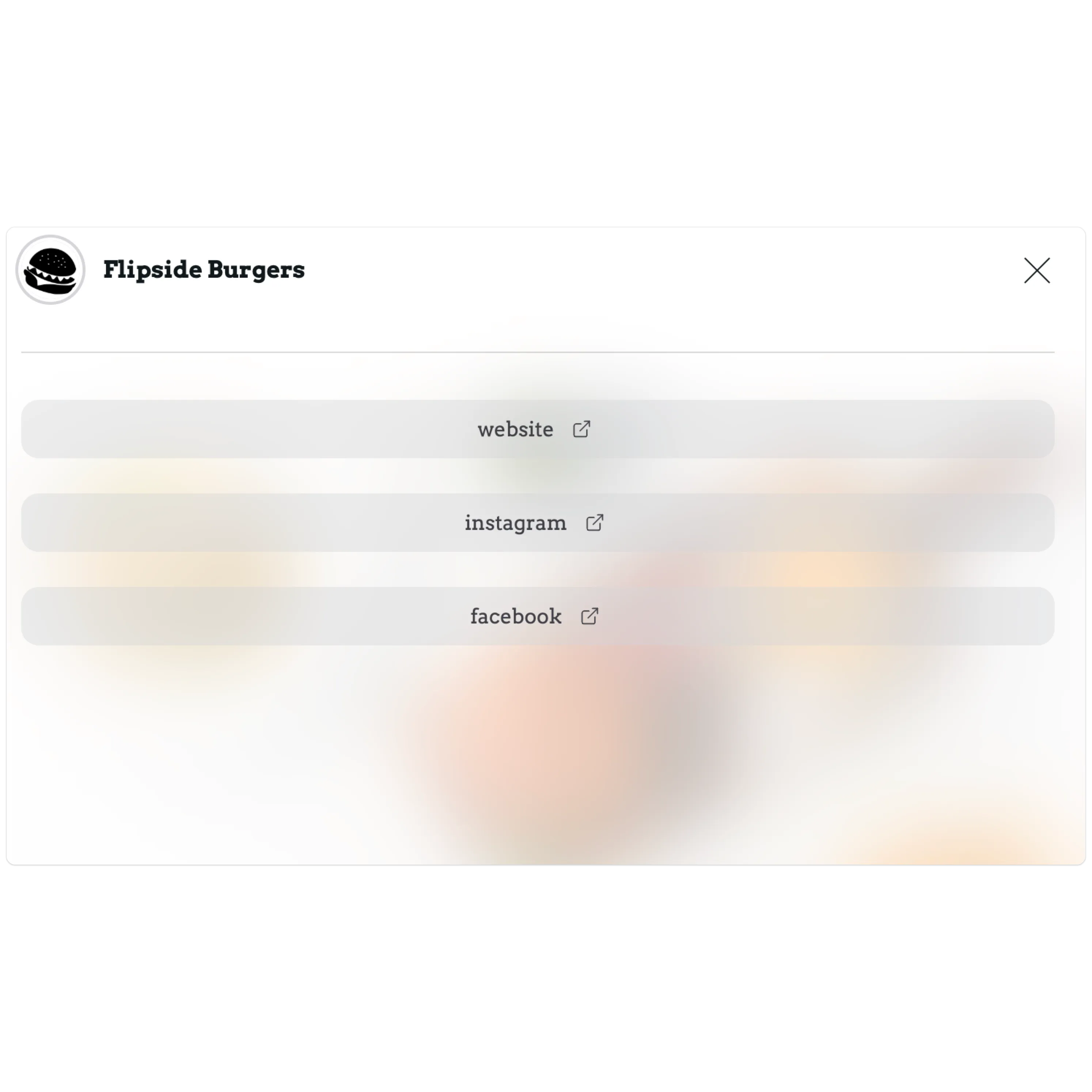
- If you think we are missing any specific social media platforms why not request this on our roadmap.
Customise
Section titled “Customise”- Darkmode - Change your menu theme between light and dark mode.
- Logo - Your menu logo. This logo appears on your homepage and in the menu header. This is optional.
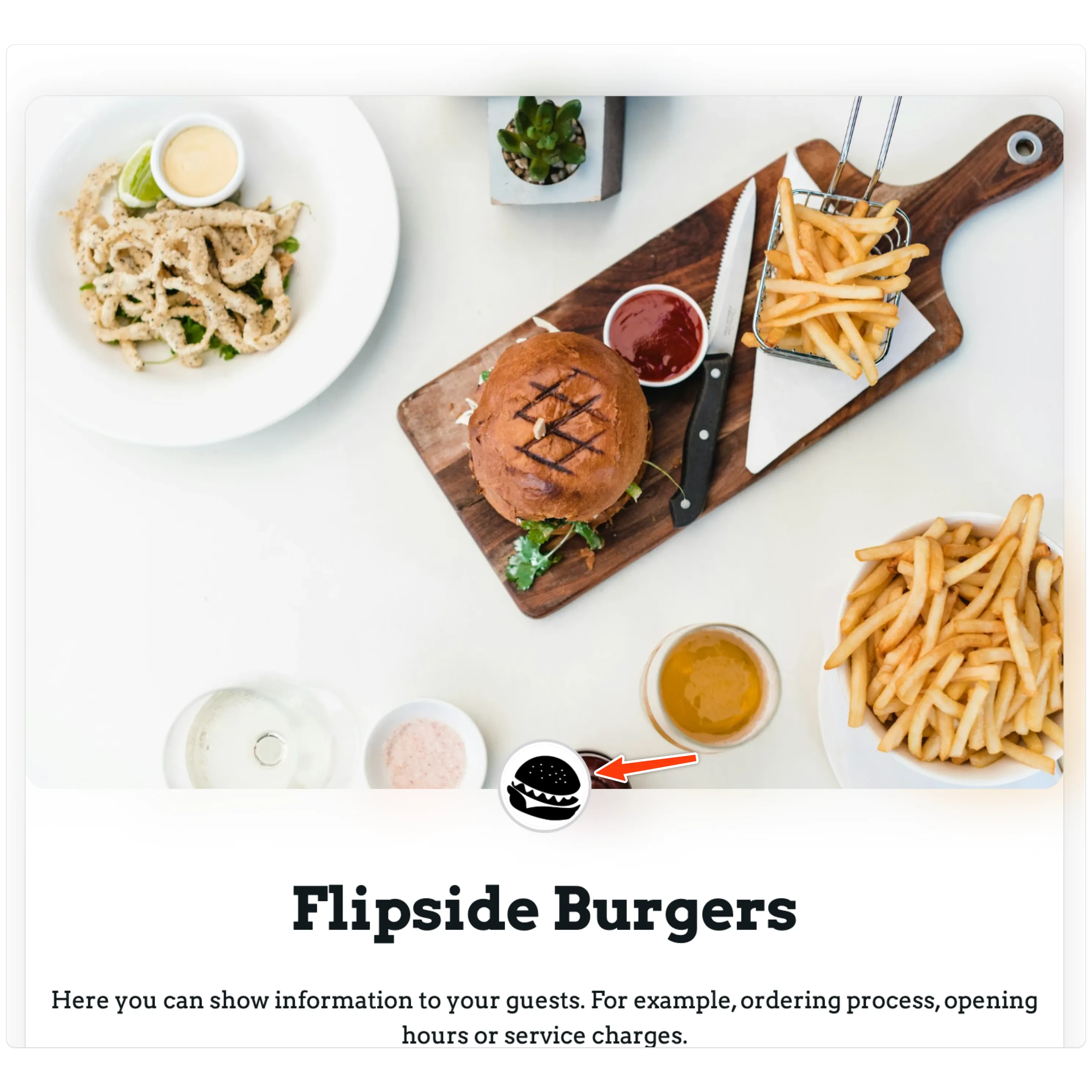
- Profile cover image - Upload an image to display on your menu homepage. You could use this space for promotions or showing off some of your dishes.
- About - This text will display on your menu homepage. You might want to describe the ordering process or how you came to be. It’s entirely up to you.