Create a menu
Depending on your plan, you can create multiple menus. Your menus could be ‘Evening Menu’, ‘Specials Menu’ and ‘Drinks Menu’.
Active
Section titled “Active”Once you create a new menu it will be active by default, however, if you need to remove the menu for whatever reason you can set it to not active. This will stop the menu from showing on your menu homepage.
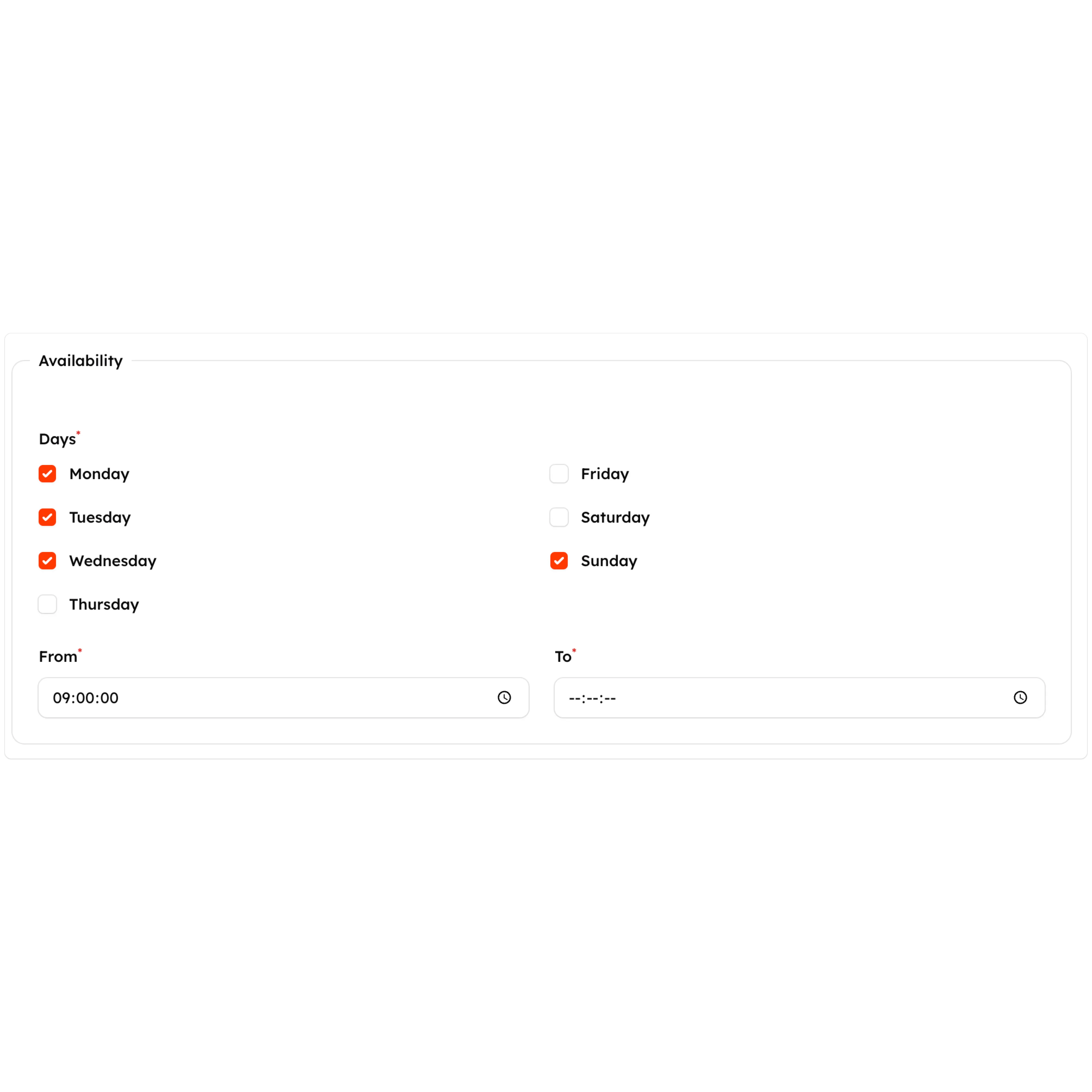
Availability
Section titled “Availability”You can choose to display your menu on specific days between certain hours. For example, your ‘Specials Menu’ may only be available between 6PM and 10PM Monday through Friday: